Library
Settings · Library
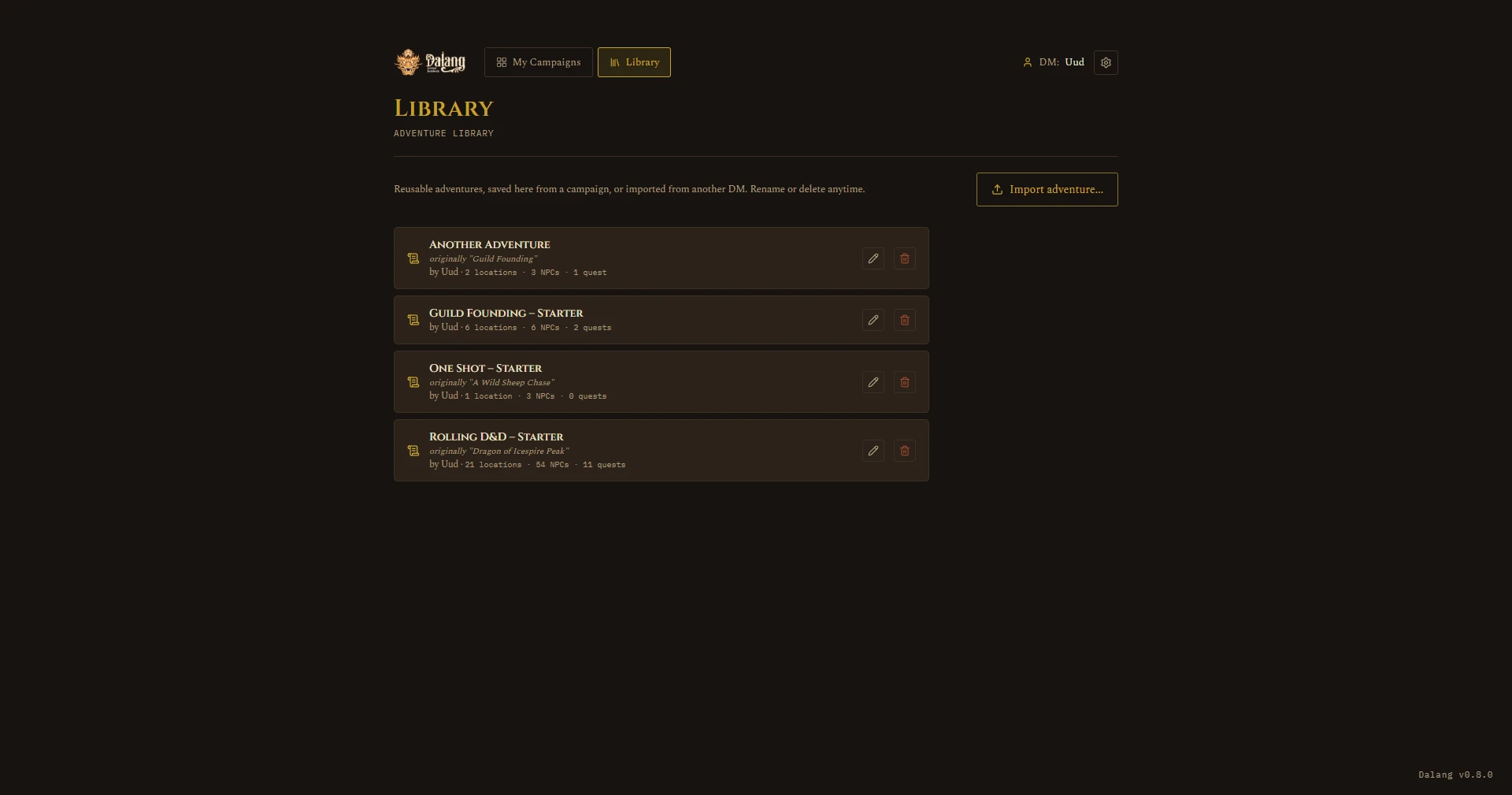
The Library (top nav, next to My Campaigns) holds adventures you've saved for reuse, either your own or ones imported from another DM.
- Import from File: pulls in a file someone exported, an adventure or a full campaign, and shows a preview of what's inside before finalizing. The New Campaign box on My Campaigns has the same "From a File" option.
- Rename or delete saved adventures with the pencil and trash icons on each entry. Deleting a library entry doesn't touch campaigns you already created from it.